Start With the Card You Already Have
A returning Harwich visitor who cannot use an old library login has several possible next steps. First identify the problem: a renewal notice, a forgotten password or a missing card. These instructions were checked November 4, 2026.
If you previously had a CLAMS card, ask staff to find that account before registering again. Brooks says an old registration may still exist after several years. Tell staff if you need both renewal and a replacement.
Renew in a Web Browser
Brooks links its renewal instructions from the Get a Library Card page. Open the linked CLAMS catalogue in a web browser, including on a phone or tablet. Its illustrated instructions say renewal cannot be completed inside the CLAMS or Libby app.
Sign in with your card number and PIN or password, then open Your Account. The renewal notice and Renew My Card control appear when the card is due to expire within 30 days. Follow the prompts to check or update the contact information, including address, phone and email. Read the completion message before leaving the account.
For example, someone who receives a renewal email while away from Harwich can start at the library’s own card page and follow its catalogue link. If the renewal control is absent or the account is already unusable, call the desk for help; the published 30-day instructions do not explain every expired-account case.
Recover the PIN or Replace the Card
The online PIN-reset link works only if an email address is already attached to the CLAMS account. Brooks directs readers who need to add an email address to call or email the library. Keep the PIN private.
For a misplaced card, the library asks patrons to email or visit during open hours for a free replacement. Mention the old account even if you lack its number.
Use New Registration Only When It Fits
Brooks offers temporary online registration to Massachusetts residents who have never had a Cape and Islands card. Nonresidents apply in person. Online registrants bring photo identification to upgrade to full access at the desk.
Reach the Harwich Desk
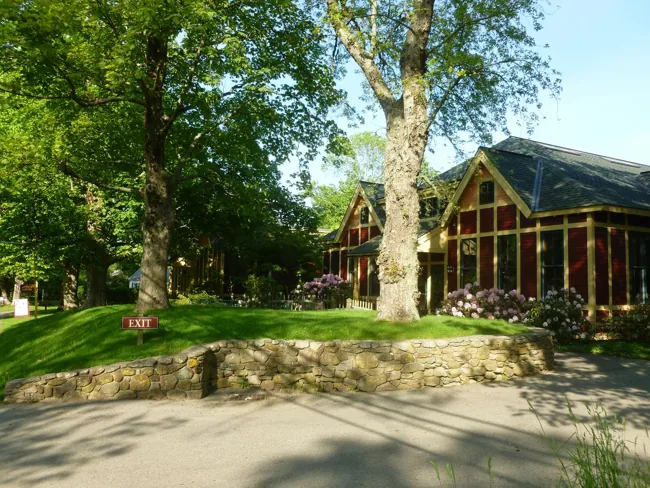
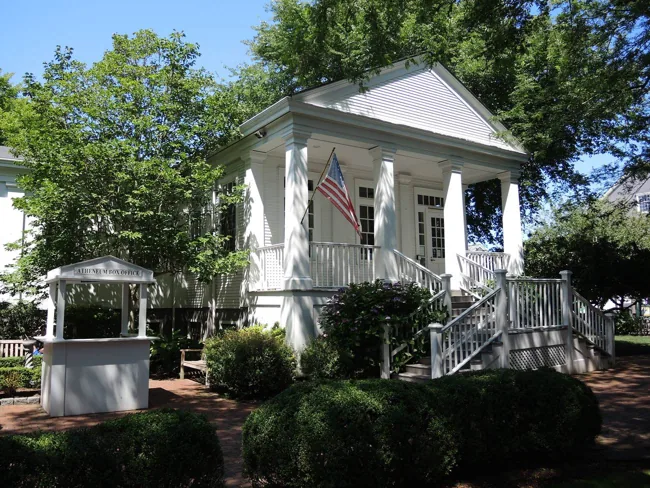
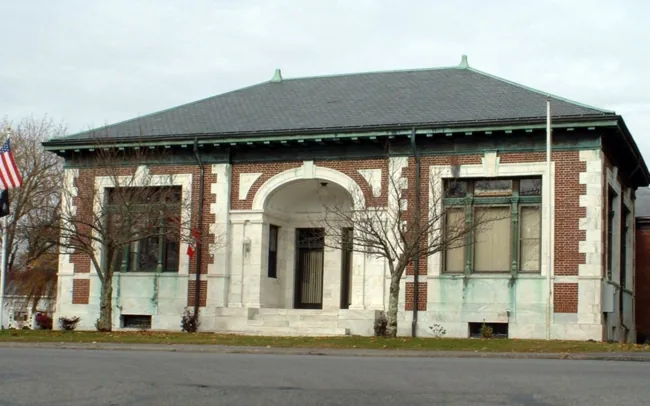
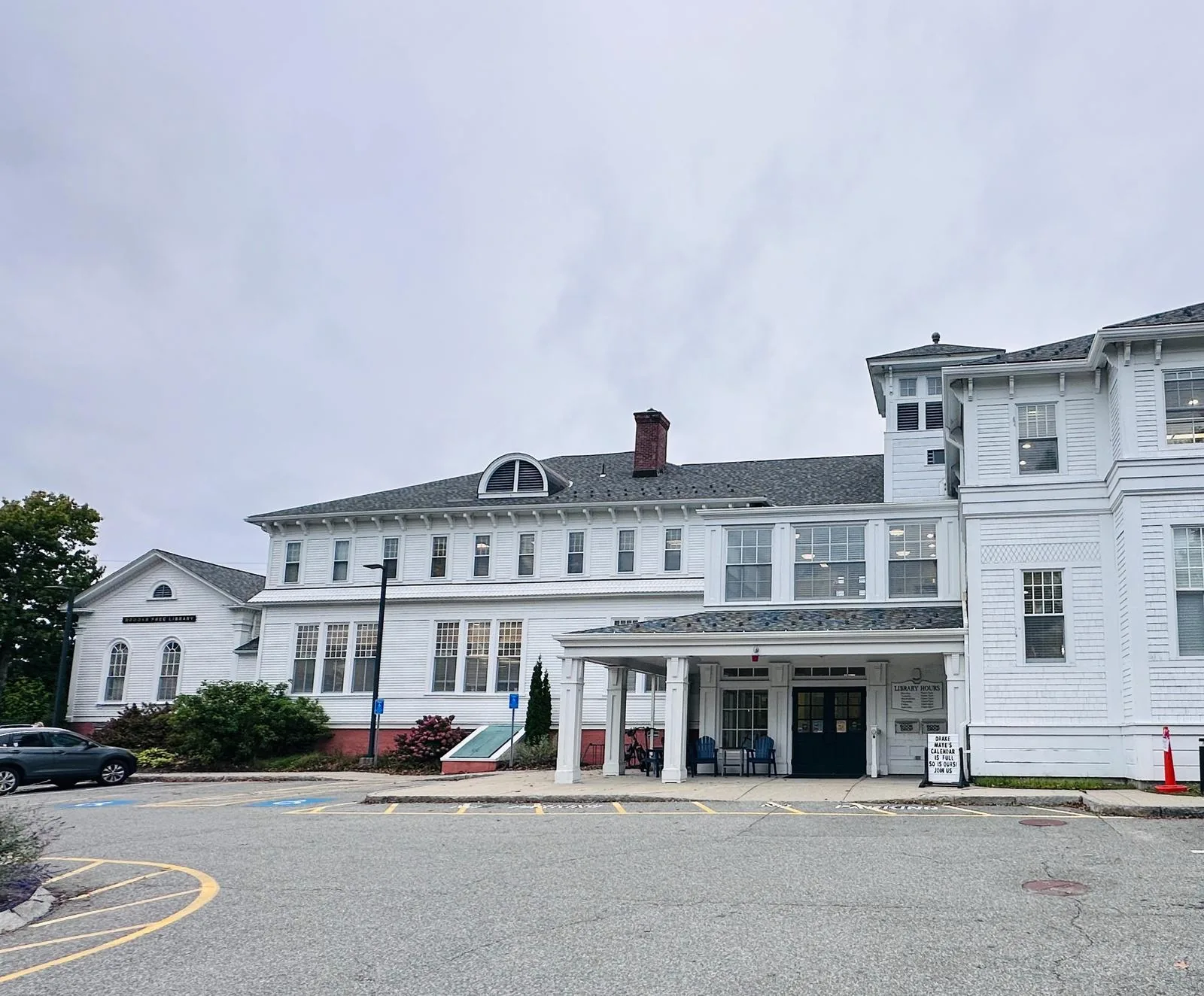
Brooks Free Library is at 739 Main Street, Harwich Center. Call 508-430-7562, extension 1, or use brooksfreelibrary@clamsnet.org. Posted hours are Monday–Thursday 10 a.m.–7 p.m. and Friday–Saturday 10 a.m.–4 p.m.; Sunday is closed. Check holiday notices before travelling.
When contacting staff, name the problem and say whether you still have the card and access to its registered email. That gives the desk a useful starting point without sending a password or posting account details publicly.